Paper Notebook or Digital Folder: Choosing a Home for Study Notes
Paper notebook or digital folder: choose a clear home for course notes that fits your access, review habits, and field materials, so you can find them later.
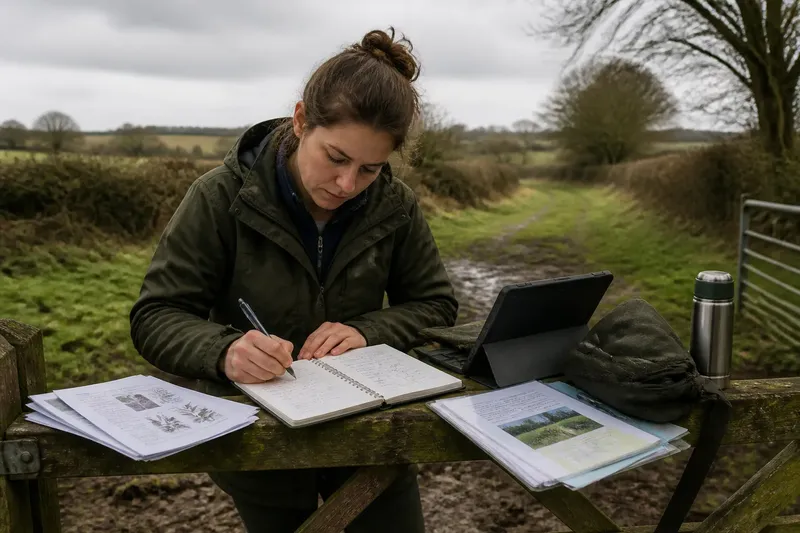
You come back from a soil session with muddy cuffs, a folded handout, and three points you meant to write down. Choosing a paper notebook or digital folder for study notes depends less on desk-side neatness than on where you need your notes and how you will return to them.
Choose a home that works where you study
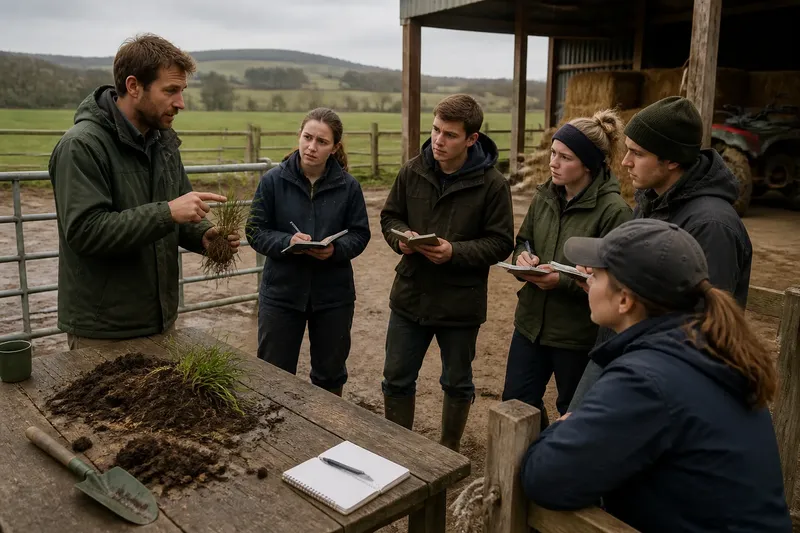
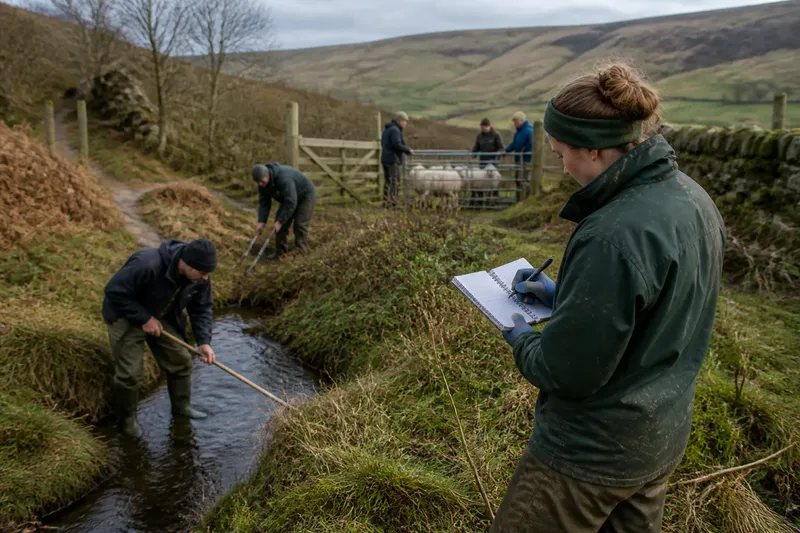
Rural course notes may need to work in a classroom, workshop, vehicle, or outside beside a hedgerow. A useful system is one you can use in those settings and revisit afterward. It should help you find information when you prepare for a task or review a class.
Your main options are a paper notebook, a digital folder, or a divided system that gives each format a distinct job. The divided option can help when quick field observations and course files have different needs. Without a clear reason to split them, it creates two places to search and a small mystery about where the important page went.
Check what your course provides and requires before choosing. Materials might include printed handouts, online slides, photographs, or written exercises; the provider may also specify how records should be kept. Those instructions can decide what you need to retain and in what form.
A paper notebook stays usable without a screen
A notebook is easy to carry, open, and use when a screen would be awkward. You can jot down a tutor’s explanation, sketch a field layout, or annotate a printed handout. Paper also shows a page as a whole, without asking you to move between windows.
For review, a dated contents page, headings, and page numbers can lead you back to topics such as fencing, habitat management, or animal care. Tabs or dividers help if you have a few clear sections. A notebook is not obliged to double as a pocket-sized filing cabinet.
The trade-off is that paper becomes harder to search and rearrange as notes accumulate. Finding a term may mean scanning pages; reorganizing material can require rewriting or using loose sheets. A notebook can also be damaged or left behind, and copying diagrams takes time.
A notebook may suit you if:
- You remember explanations better after writing them by hand.
- You often study where a device is inconvenient or power is uncertain.
- Your notes rely on sketches, arrows, or annotations beside printed material.
- You prefer seeing a topic’s pages together rather than opening several files.
Keep the routine simple: date each entry, write the topic at the top, and leave a contents list at the front. If course materials are digital, note a file name or topic in the notebook so the page points to the related resource.
A digital folder keeps files and notes together
A digital folder can hold typed notes, PDFs, photographs, and course documents. Search helps when you remember a phrase but not the session where it appeared. Clear folder names also keep separate modules from merging into a document called “Notes final.”
You can start with a folder in Google Drive, OneDrive, or a local computer directory. Make a main folder for the course and subfolders for modules or topics. Google Docs, Microsoft Word, or a notes app can hold written material; keep PDFs in their original form and add a short note about what matters in each.
Digital storage makes it easier to edit, copy, or share material. You can put a field-session photograph beside a written observation or link a note to a handout. The drawbacks are familiar: screens distract, batteries run down, and vague file names make search less helpful. Unsaved notes are, from the folder’s point of view, not there.
A digital folder may suit you if:
- Your course already provides most materials as files.
- You need to search notes or keep photographs with written observations.
- You move between a laptop and a phone or tablet.
- You prefer editing and reorganizing notes after class.
Name files so you can tell what they contain and where they belong. For example, save “Pasture management—class notes” in the relevant course folder. Use descriptive headings, and check that new files are saved there rather than scattered among recent downloads.
A divided system needs a clear boundary
Some learners use paper for immediate observations and digital storage for handouts and polished review notes. This can work if the notebook is a field log and the folder is the reference library. You should know which place to search first for each kind of information.
Duplication is the main difficulty. Copying every handwritten note into a document creates another task and can leave two versions out of date. Transfer only material that needs to be searchable, combined with a course file, or used in a study sheet. Add a pointer in the notebook when a related digital document exists.
Say you attend a pasture-plant session and sketch leaf shapes in a pocket notebook. After class, you save the instructor’s PDF and labeled photographs in a course folder, then add a note in that folder pointing to the notebook’s dated page. The expected result is that quick observations remain in the notebook while reference files are searchable; each format has a distinct job.
If you often forget to label or transfer material, choose one permanent home. Let the other format serve only as temporary capture, with a regular destination. Temporary notes need a next stop, not a permanent second address.
Paper notebook or digital folder depends on access, review, and habit
Compare the options by asking where you need notes, how you review them, and which routine you will maintain after a tiring class or a damp day outdoors.
- Access: If a screen is inconvenient or connectivity is unreliable, choose paper; otherwise, if you need files on more than one device, choose digital storage.
- Review: If flipping pages and seeing handwritten diagrams helps you revisit a topic, choose paper; otherwise, if searching and editing matter more, choose digital notes.
- Preference: If you consistently use a notebook, make paper the home; otherwise, if you reliably save and reopen files, use a digital folder.
For a worked choice, imagine you take a land-management course with printed handouts and outdoor sessions. You write by hand during class, need your notes beside the handouts at home, and rarely use a phone for study. First, you check the provider’s instructions and confirm the handouts can be kept in paper form. Next, you choose a notebook as the main home, date each entry, and add a contents page; you store handouts in a course binder and write their titles beside related notebook entries. The resulting trade-off is straightforward: you can review notes and handouts together without relying on a screen, but you will need to scan pages manually when searching for a particular term.
Begin with the format used for most course materials, then choose the other only if it solves a specific problem. If handouts are printed and your work is handwritten, paper may reduce friction. If lessons rely on online documents and photographs, a digital folder may make retrieval easier.
Use these checks to decide what to change
Try the arrangement during ordinary study, then use these checks to decide whether to keep it, adjust it, or switch the main home.
- Previous notes: If you can find the last session’s notes by date or file name, keep the naming method; otherwise, add dates and topic headings or create a contents page.
- New material: If you can add a note without pausing to choose between locations, keep the current home; otherwise, assign one format the permanent role and make the other temporary.
- Course handouts: If you can connect each handout to the notes that explain it, keep the current filing arrangement; otherwise, record the handout title in the notebook or move it into the matching digital folder.
- Photographs: If images sit beside the relevant topic and have useful names, keep that structure; otherwise, rename them with the subject and add them to the matching course folder.
- Review: If you can reopen a topic and find the point you need, keep the review format; otherwise, add headings, page numbers, or searchable notes.
- Missed entries: If notes repeatedly remain in loose sheets or unsaved files, choose the format you are more likely to maintain; otherwise, keep the current system and continue its routine.
Answers to common questions about study notes?
Can handwritten notes go into a digital folder?
Yes. Photograph or scan a page with a phone, then save it beside the relevant course files. Give it a clear name and add a short typed description if you may need to search for its contents.
How should course handouts fit with a notebook?
Keep a handout in its original form if it contains diagrams or instructions that would be cumbersome to copy. If you can annotate it, add notes in the margins; otherwise, write its title and main point in your notebook so you can reconnect the two during review.
What if I switch between paper and digital notes?
Give one format the role of permanent home and reserve the other for a specific task, such as quick field capture. When a note needs to stay useful beyond the session, move it or add a pointer so the two formats do not become competing partial records.
How often should I organize study notes?
After each class or study session, add a date, place material in its proper section, and note anything that needs follow-up. A small routine makes it easier to find what belongs where before an assessment.
Keep the system plain enough to maintain
A paper notebook or digital folder has no universal advantage. Choose the home that fits your access, review habits, and willingness to keep it in order; make the other format secondary unless it has a distinct purpose. A clear contents page or sensible folder name often does more for retrieval than another app.
Start with a notebook that has room for dated entries or one course folder with recognizable topic names. Use it consistently before adding layers. When a question comes up in class or during a practical session, the useful test is whether you can find the note that helps answer it.